
Run Your PMP Exam Like a Project: A Pace Plan for the New 240-Minute Exam
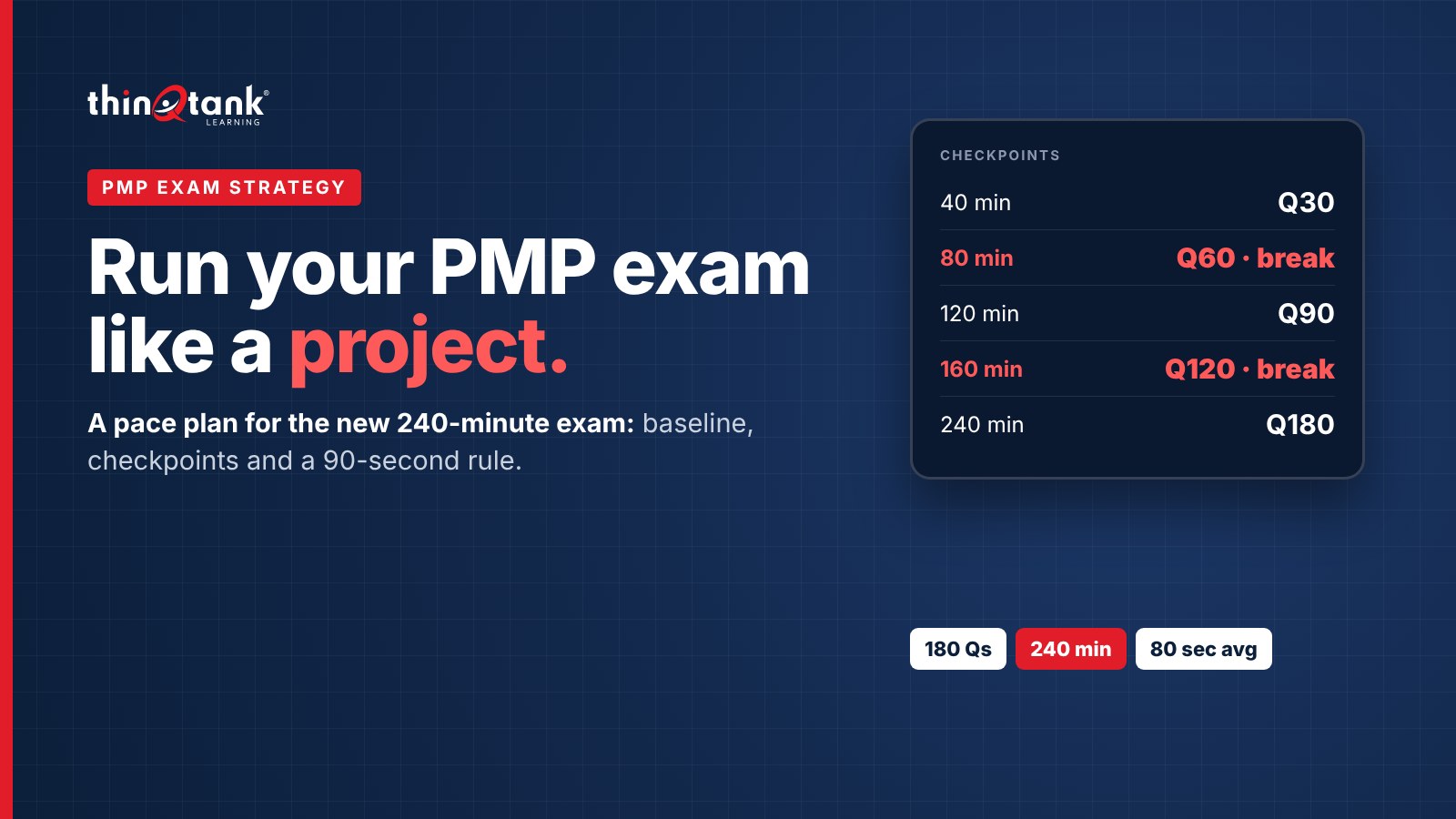
Here's something I see in almost every PMP prep class: the students who struggle on exam day usually knew enough. What they didn't have was a schedule. They spent eight minutes untangling one scenario in the first hour, then rushed the last forty questions. You'd never run a project without a baseline and checkpoints, so don't run your exam that way. Treat the PMP like what it is: a fixed-duration project with 180 deliverables.
180Questions on the current PMP exam 240Minutes of exam time since July 9, 2026 2 × 10Minutes of optional breaks 80sAverage per question at a steady paceUsing older prep material? The exam changed on July 9, 2026. It's still 180 questions with two 10-minute breaks, but you now get 240 minutes, not 230. It also adds more case-based question sets and interactive formats like drag-and-drop and graphics. Build your pace plan on the current numbers.
Step 1Set your baseline
240 minutes divided by 180 questions is 80 seconds each. That's your average, not a stopwatch for every item. Short definition questions will take 30 seconds. A case set with a long scenario will eat several minutes. What matters is that you're on track at each checkpoint.
The cleanest way to plan it is in three sections of 60 questions, 80 minutes each, with a break between them. Inside each section, aim to finish in about 72 minutes. That leaves roughly 8 minutes per section to revisit the questions you flagged.
Your exam burndown
Questions remaining against exam minutes used. Stay on or below the dashed line.
180120600 0 min80160240 Steady baselineTarget pace with review time bankedShaded lines: breaks Step 2Know your checkpoints before you sit down
Write these on your scratch sheet (or memorize them) before the first question appears:
| Exam time used | You should have answered | Comfortable target |
|---|---|---|
| 20 min | 15 | 17 |
| 40 min | 30 | 33 |
| 60 min | 45 | 50 |
| 80 min | 60, then break | 60 done with time to review |
| 120 min | 90 | 93 |
| 160 min | 120, then break | 120 done with time to review |
| 200 min | 150 | 153 |
| 240 min | 180 | Finished, flags reviewed |
If you're thinking like a project manager, this is your schedule performance index. Divide the questions you've answered by the number you should have answered at that checkpoint:
1.0+On or ahead of plan. Keep going and use the extra time to review. 0.9–1.0Slightly behind. Tighten up: decide faster on the next few. Below 0.9Behind. Apply the 90-second rule strictly until you're back on plan. Step 3Control the work in progress
- Use a 90-second rule. If you're still torn after about 90 seconds, eliminate what you can, choose the best remaining answer, flag it and move on. A flagged answer still counts. An unanswered one doesn't.
- Find the real question first. Long scenarios bury the ask. Before you read the story, find the line that tells you what they want: the first thing to do, the best response, or what should happen next. Then read the scenario looking for that.
- Budget case sets as a group. The new exam leans on case-based sets, where one scenario feeds several questions. Read the scenario once, carefully, and budget time for the whole set (roughly 80 seconds times the number of questions) instead of rereading it for every item.
- Expect interactive items to run long. Drag-and-drop, graphic and matching items take longer than single-answer questions. Let the quick definition questions pay for them.
- Don't change answers on a feeling. When you review flags, change an answer only if you spot something specific you missed the first time.
Treat the breaks as a phase gate
The breaks are optional, but take both. They're part of the plan. Stand up, drink water, breathe, and run a quick status check against your checkpoint table. When you sit back down, you're starting a fresh 60-question phase with a known baseline. Students who skip breaks to "save time" tend to lose more than ten minutes to fatigue in the final third.
Step 5Rehearse the pace before exam day
Pace is a skill, and like any skill it has to be practiced under real conditions. Before your exam:
- Take at least one full-length, 180-question timed practice exam, with the breaks, at the same time of day as your real appointment.
- Log your question count at each checkpoint. Note where you fell behind: case sets, calculations or long scenarios.
- Fix the slowest category, then run a second full simulation and compare.
By exam day, 80 seconds a question should feel normal, not like a race.
Want a pace plan built around your exam date?
Book a free 10-minute call and we'll map out your study weeks, practice exams and checkpoints. Or take a 20-minute live tour of the Classroom Hub our PMP students use.
Book a 10-minute call See the Classroom Hub— Scott
Sources